THE PLAYBOOK · SZHLJS
How to play Jigsaw Sudoku
This SZHLJS page combines Jigsaw Sudoku with a guide to the decisions it asks you to make. Fill each row, column and irregular coloured nine-cell region with 1–9 once. Use control confidence to give your round a clear purpose.
6 finite checked puzzles, with local saved progress. No claim of unlimited daily puzzles or calibrated difficulty.
Control confidence
Check the controls before starting. On a touch screen, keep the game area visible and use the labelled buttons where they are provided.
Your goal
Fill each row, column and irregular coloured nine-cell region with 1–9 once.
Step by step
- Select an editable cell.
- Enter a value using the keypad or keyboard; Notes stores candidates.
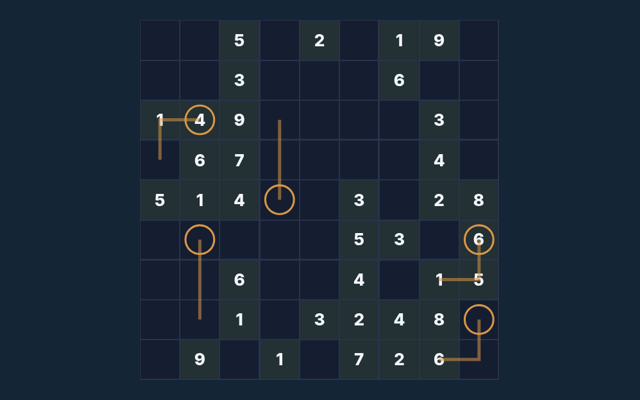
- Read the region, cage, arrow or outside clues alongside the normal constraints.
- Check entries verifies the completed board; Undo reverses your last input.
- New puzzle selects another included puzzle.
Controls
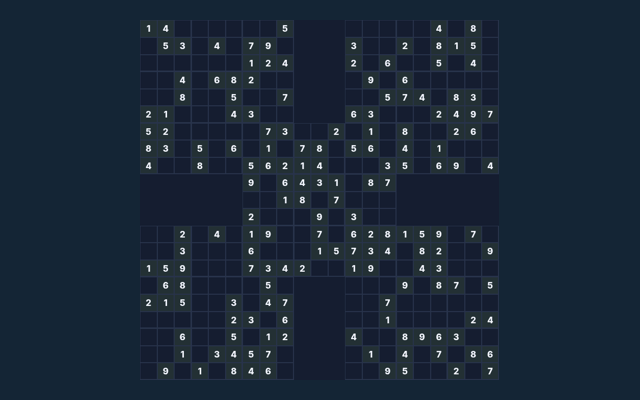
Click or tap cells and the digit pad. Use Notes, Undo and Reveal selected. Large boards scroll inside the game.
A useful example
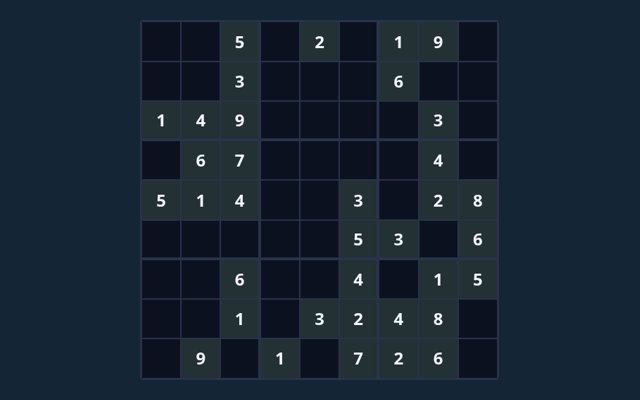
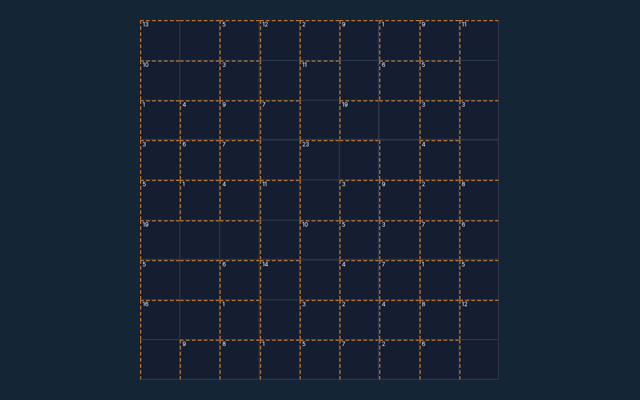
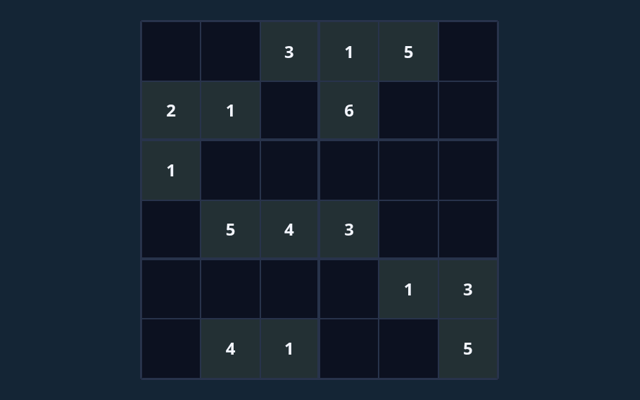
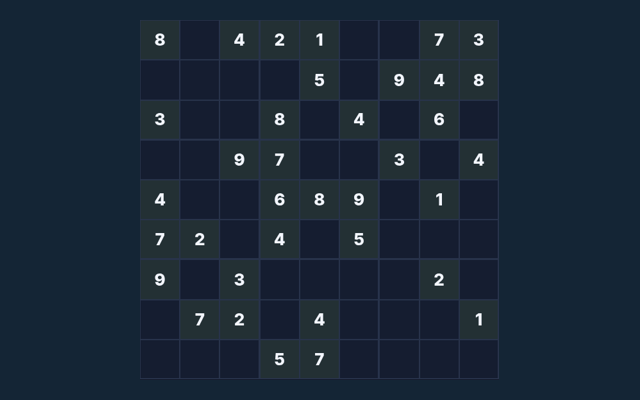
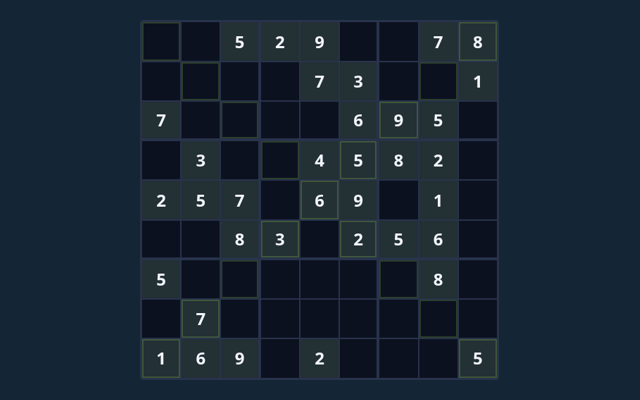
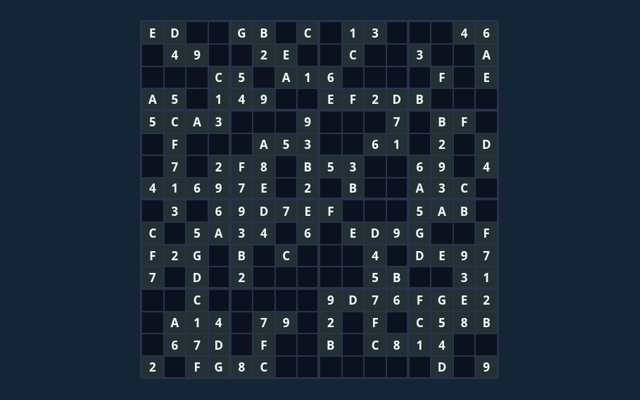
The coloured region, not a conventional 3×3 box, defines the third no-repeat constraint.
Watch out for this
A full board must obey every extra rule. Reveal supplies assistance; it is not an earned deduction.
Common questions
Which controls should I use?
Click or tap cells and the digit pad. Use Notes, Undo and Reveal selected. Large boards scroll inside the game.
Can you show a concrete example?
The coloured region, not a conventional 3×3 box, defines the third no-repeat constraint.
What is included in this edition?
6 finite checked puzzles, with local saved progress. No claim of unlimited daily puzzles or calibrated difficulty.